
How it works
One place for the whole practice, and somewhere calm for the family.
Doula Villages is built for end of life service specifically. Not a CRM bent into shape, not a clinical system scaled down. The workflows are the ones you already have; they just stop being spread across six places.
Your practice today
- Client intake spread across forms, notebooks and email threads
- Directives stored in a different place for each client
- Conversations happening in personal texts and email
- Session notes living wherever you wrote them down
- Time on the weekend pulling it all back together
- Details that are easy to lose track of
Your practice on Villages
- One private space per client, holding intake, the people around them, and the history together
- A built-in healthcare directive, plus room for the templates you already use
- Private chat with each client and their family, so none of it lives in your personal texts
- Invoicing built in, so clients pay by card or the way you already accept
- Service contracts signed online and the executed PDF kept with the client (Premier)
- A booking link with your hours, calendar invites and reminders sent for you, and overdue invoices nudged for you
- A visit log per client, a next-steps checklist that ticks itself off, and a practice report your bookkeeper can use
- Your Sundays back
Nobody is doing it wrong today. Doulas make these tools work every day. This just puts them in one place so the seams stop costing you evenings.
Up and running in five minutes, and built for the bedside
A welcome tour walks you through the whole thing
On your first load you get a quick welcome screen. Take the 90 second tour or skip straight to the setup checklist. The tour is a ten step walkthrough anchored on the real sidebar, and the checklist opens each setup task in one click. Either way you are oriented in under five minutes.
Sit with your client and fill in the form together
At the bedside, on the porch, over coffee, on a video call. You drive while they confirm. The form saves itself as you go, sections that do not apply collapse with one click, and your client can sign in afterward to review or finish anything you did not get to. The signed PDF and the QR share card come from the same record they see in their own login.
Or they fill it out on their own time
Some clients want to sit with their thoughts in their own kitchen, not yours. They sign in with an emailed code, see what you have assigned, and move at whatever pace feels right. Same auto-save, same signed PDF and QR card at the end. You can check progress without making anyone feel rushed.
The same workspace on every device
Phone at the bedside. Tablet on the porch. Laptop at home. Same login, same workspace, same client.
Doula-led
None of this was designed at a distance.
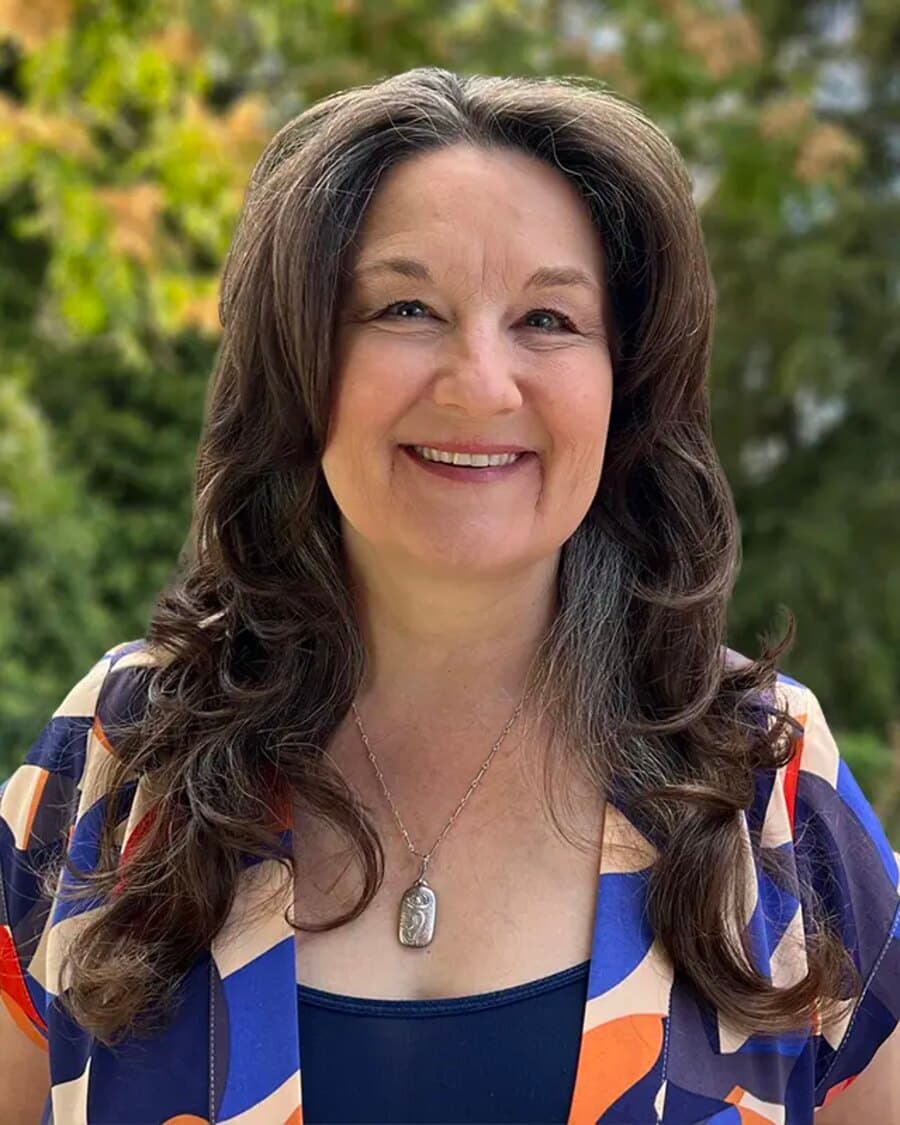
Keri Winchester is the Death Doula Director at Doula Villages, and a practicing death doula with an independent practice called Living and Leaving. The workflows on this page are the ones Keri uses.
When something in the product does not survive contact with a real bedside, Keri is the one who says so, and that is the conversation that changes what gets built.
Keri Winchester · Death Doula Director, Doula Villages
Ethicist, Death Doula, Owner · Living and Leaving
See it from both sides
The part doulas ask about before they trust it with someone's last months.
What you see, what your client sees